

Online Campaign Dashboard
The portal we use where our clients can upload project-related files, follow the progress of the campaign, communicate with the team, etc.
How to log-in:
1. Go to this link - https://portal.amworldgroup.com/login
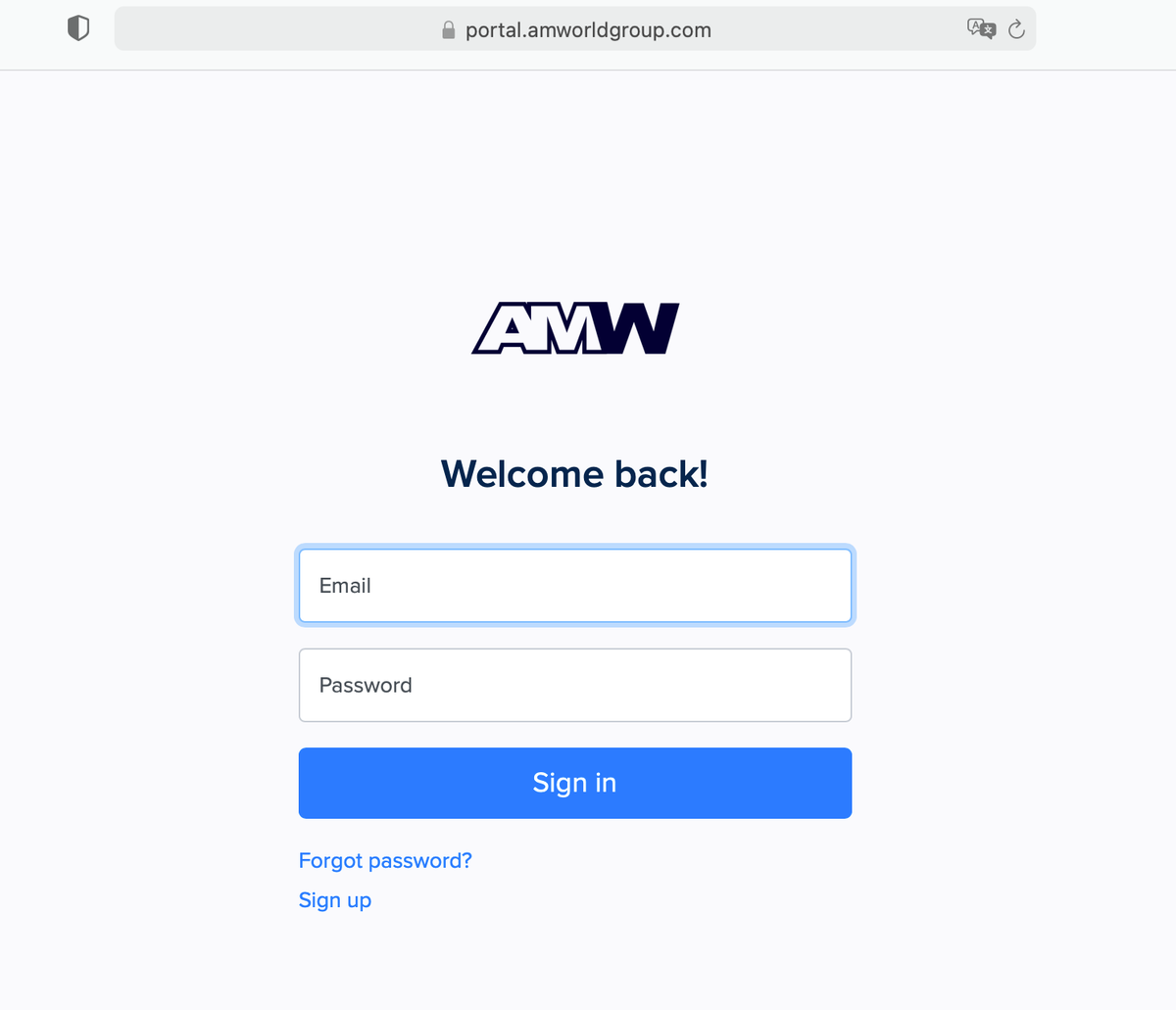
2. Enter the log-in information sent to you during the sign-up process. The username is usually the same email address you used when you signed up.
How to reset your Password:
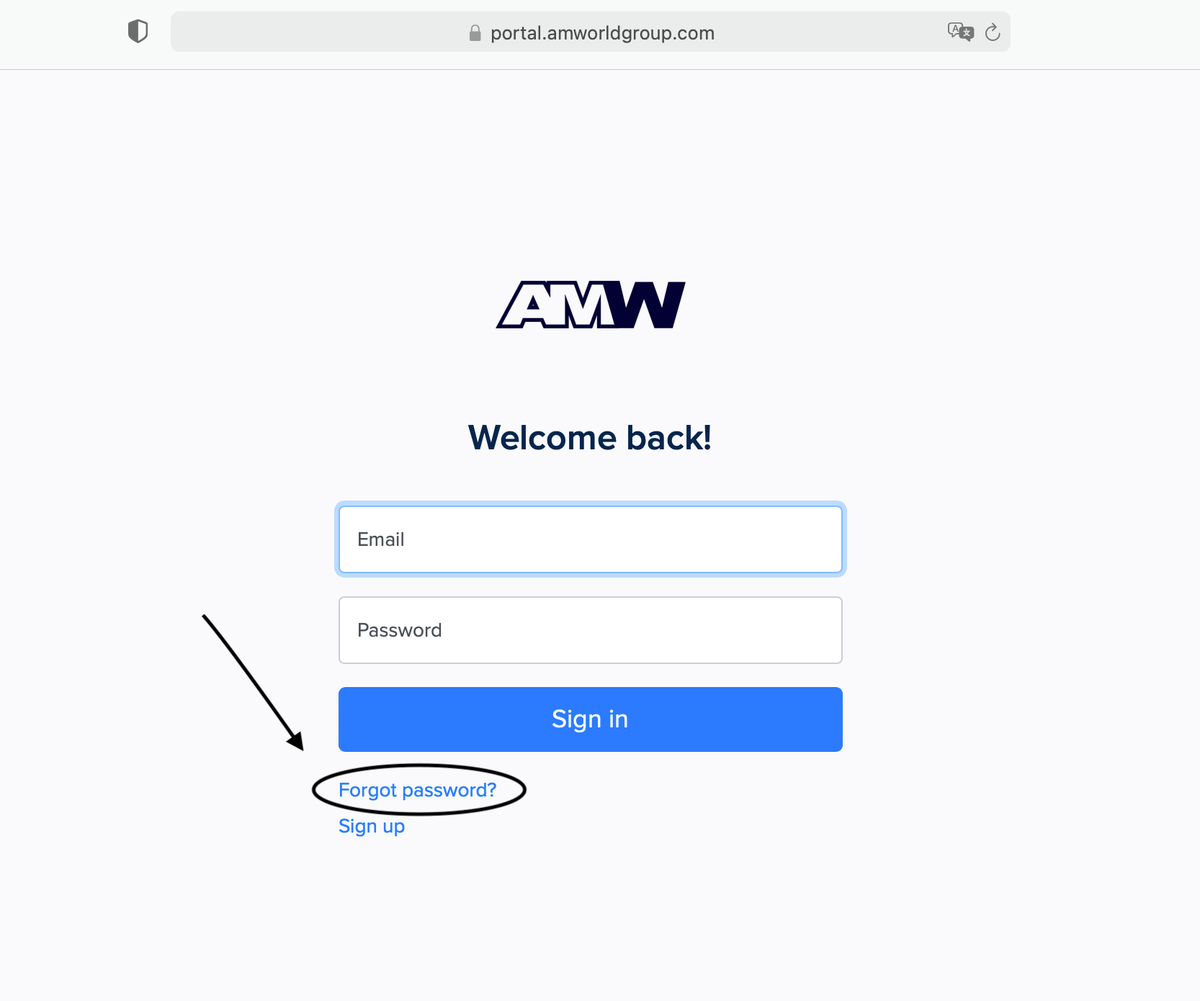
1. Click on ‘’Forgot Password?‘’
2. Enter the same email address used during the sign-up process.
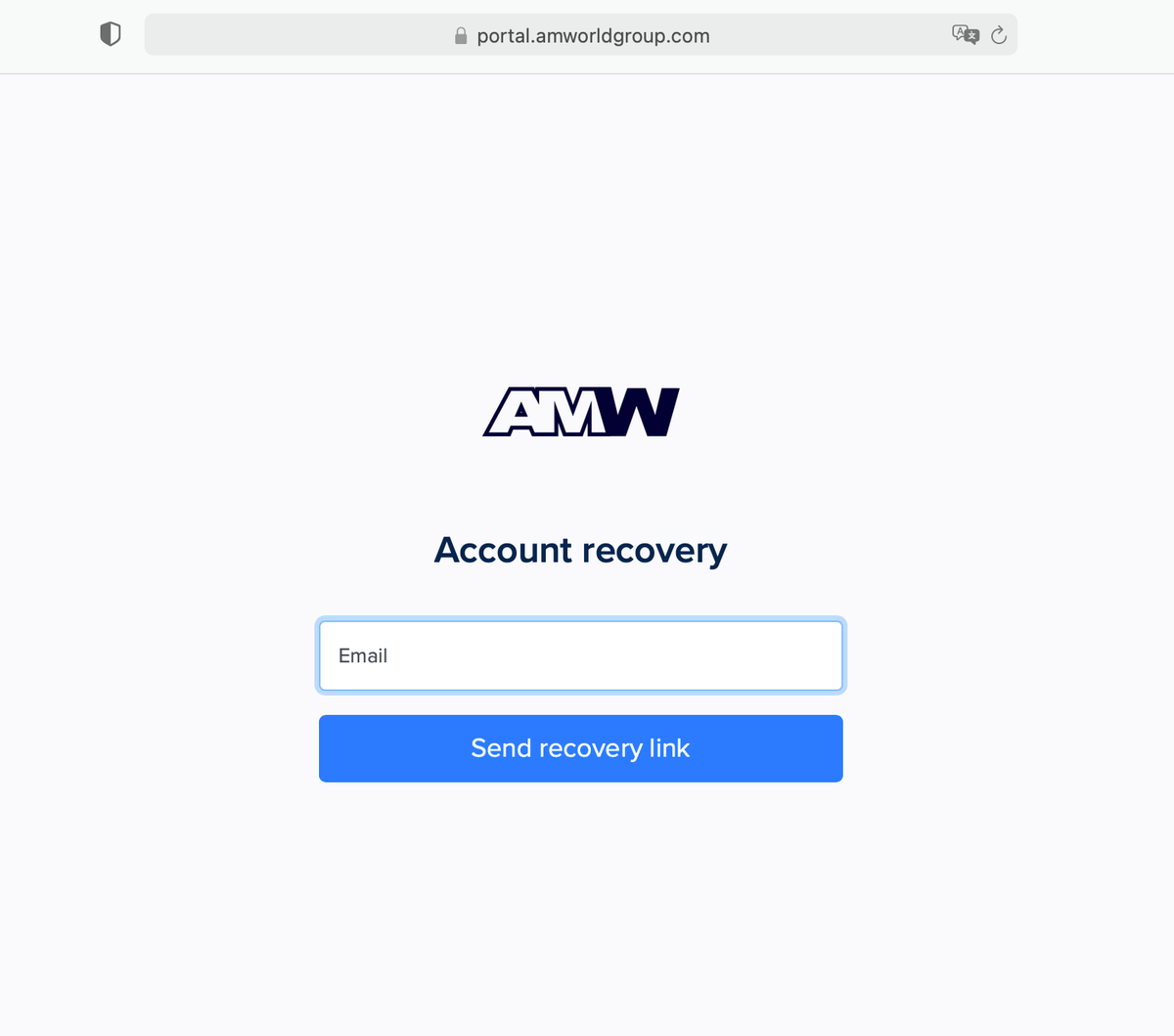
3. Then, go to your email (inbox or spam) and click on the link provided to update your password. Return to the login page from there to sign in.