

Gemini Can Watch Your Videos: What It Means

Google's developer documentation for Firebase AI Logic, updated September 10, 2026, describes Gemini models that can transcribe a video by processing both its audio track and its visual frames5. That's a long way from where Gemini started. When Gemini Pro first arrived inside Bard, Google's own release notes described it working on text-based prompts, with support for other kinds of input listed as "coming soon"1. Now a model from the same family can be handed a recording and asked what happened at a particular point in it5. And on September 23, 2026, Google announced that anyone can make HD videos for free in Google Vids using Gemini Omni2.
Quick Summary
Gemini can now watch your videos: Google documents models that read both the audio and the visual frames of a recording, answer questions about it, and point to particular moments by timestamp. For service businesses, that turns archives of recorded demos, client calls and webinars into something a team can search and question. Google publishes no accuracy figures, so the sensible first step is testing a few recordings you already know well before building a process around it.
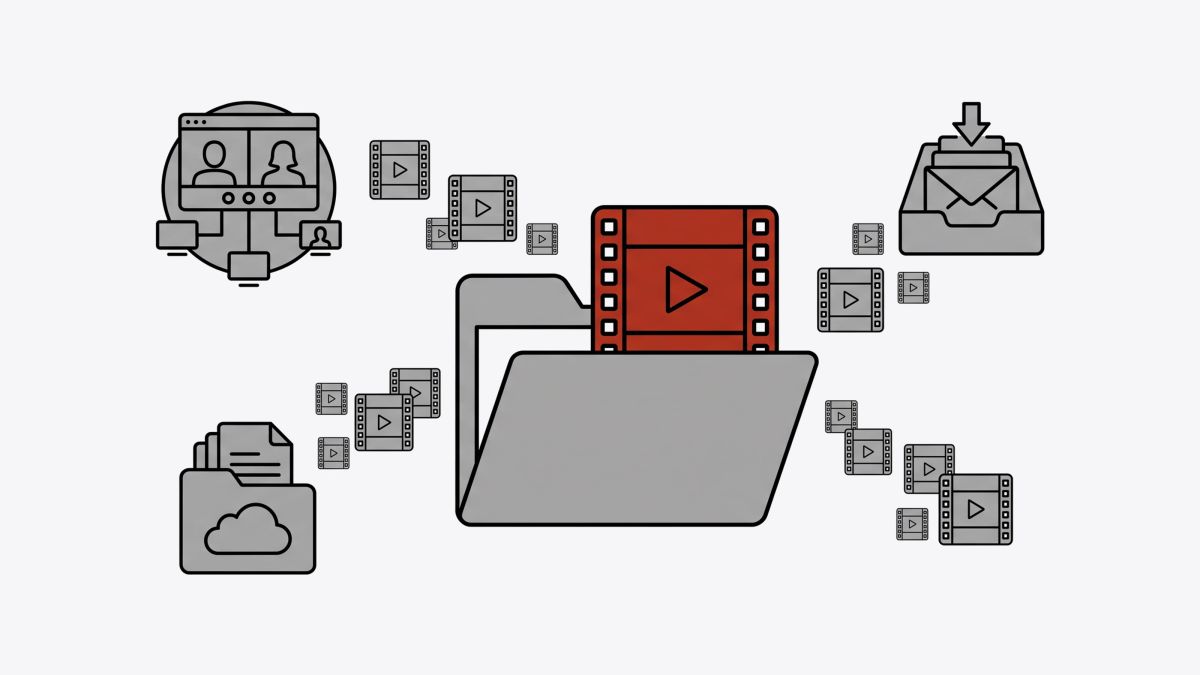
The creation side got the headlines, but for most service businesses the watching side is the bigger shift. Firms tend to collect hours of recorded demos, onboarding calls, webinars and screen recordings that almost nobody opens a second time, because finding one moment in a 50-minute file means scrubbing through it by hand. Once software can read both what's said and what's shown, that archive starts behaving more like a set of documents you can search and question.
What it means when Gemini "watches" a video
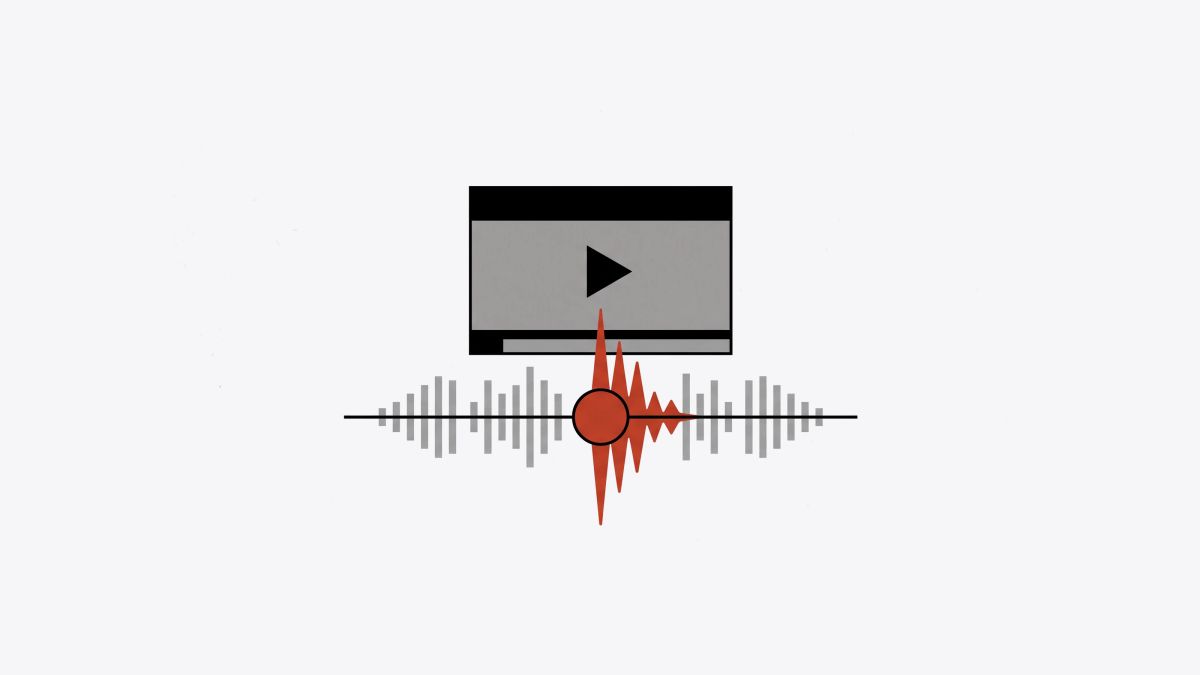
It means the model takes in the picture and the sound together and can answer questions about either one. Google's documentation lists what that looks like in practice: captioning a video and answering questions about it, analyzing particular segments by timestamp, transcribing from the audio and the frames together, and describing, segmenting and pulling information out of the footage5. A video can be sent to the model directly as a file or by pointing it to a URL5.
The visual part sets this apart from the transcription tools many teams already use. A transcript of a screen-share demo records the rep saying "and then you'd just click over here," with no clue what "here" was. A model that reads the frames as well can, in principle, describe what was on screen at that moment, so the summary includes the part of the demo the buyer was looking at when they asked their question.
One wrinkle is access. The capability is spelled out most clearly in Google's developer documentation, which describes making these requests from inside an app5. How much of it a non-technical team can reach by uploading a file straight into the Gemini app depends on the account and plan, so it helps to check what your own setup allows before planning around it. For many businesses, the first contact with video analysis will come through tools built on top of the model.
Where recorded video piles up, and what you could ask it
Most service businesses own more video than they'd guess, spread across meeting tools, shared drives and inboxes. The table below maps common recordings to the kind of question the documented features can handle5, along with the manual work each one replaces.
| Recording | A question worth asking | Work it replaces |
|---|---|---|
| Recorded sales demo | "At what points did the buyer ask about contract length or onboarding time?" | Rewatching the full call before the next meeting |
| Client kickoff call | "List every commitment our team made, with the timestamp for each." | Arguing months later about what was promised |
| Webinar recording | "Which audience questions came up, and at what minute?" | Handwritten notes for the follow-up email |
| Customer's screen recording of a bug | "What did they click, and in what order, before the error showed up?" | A second call asking them to repeat it |
| Internal training walkthrough | "Split this into chapters with a title for each." | Someone building a table of contents by hand |
The kickoff call row tends to matter most for firms that sell services. The scope conversation on day one is usually where expectations get set, and it's also the conversation that's hardest to reconstruct later on. A timestamped list of commitments, checked by the person who ran the call, gives both sides something to point to when memories differ.
The time savings are easiest to see in the webinar row. A webinar follow-up email that answers each attendee's own question usually lands better than a generic thank-you, and pulling those questions out of a recording is the kind of segment-by-segment job the documentation describes.
How timestamps change the way a team reviews a sales call
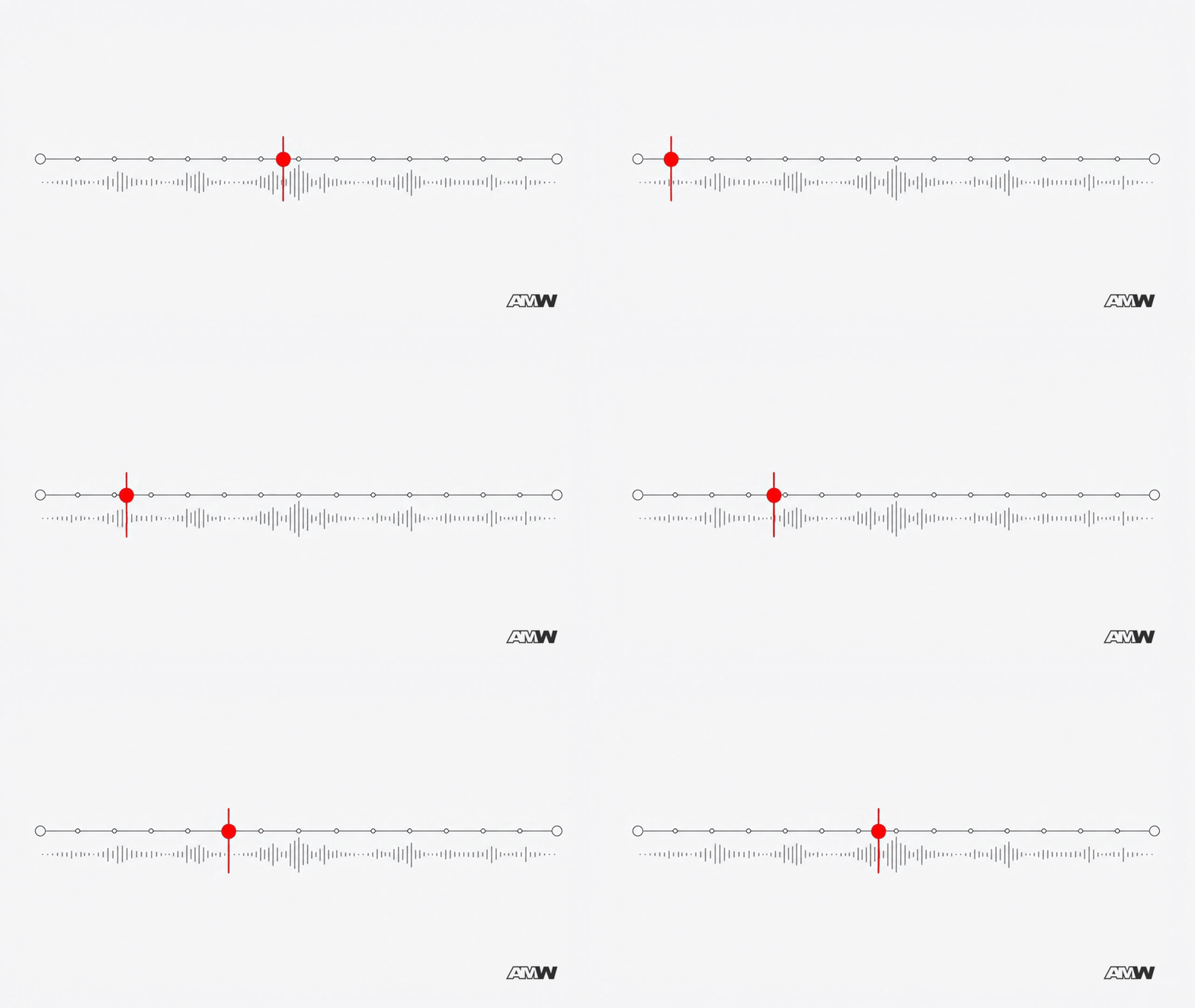
Timestamps let someone jump straight to the moments that matter and check the model's answer against the source in a minute or two. Google's documentation describes analyzing particular segments of a video by timestamp5, which means an answer can come back with minute marks attached.
Picture a rep getting ready for a second meeting with a prospect who first came in through a webinar signup. The first call ran 45 minutes. Instead of rewatching it, the rep asks for every moment the prospect raised a concern and gets back five of them, each with a time. Clicking through to each one takes a few minutes, and the rep hears the prospect's own words and tone before walking into the next meeting. The timestamps are what make the summary checkable, and a checked summary is one the whole team can lean on.
The harder question is where those findings end up. A summary pasted into a chat thread or a personal doc is usually gone by the time the deal comes back to life three months later. Teams that keep call notes on the deal itself, in one shared CRM , tend to find them again when they need them, and so does whoever picks up the account next. In AMW CRM, the AI agents read what's on the contact and deal records, so a checked, timestamped summary saved to the deal becomes part of what Jenna, the sales agent, draws on when she drafts a follow-up for the rep to review and approve.
Google also made AI video creation free in Google Vids
On September 23, 2026, Google announced that anyone can create HD videos for free in Google Vids using Gemini Omni, with 1080p output, the option to extend scenes and set clip lengths, and ready-made templates for business content2. Every AI-generated clip carries a digital watermark so viewers can tell it was made with AI2.
For developers building their own video tools, Gemini Omni 1.1 Flash arrived a month earlier, on August 27, 2026, with control over camera movement, the ability to extend clips, and 4K output4.
Gemini Omni 1.1 Flash can produce quick, low-resolution drafts, so developers can test an idea faster and more cheaply before rendering the finished version4.
For a growing company, this lowers the cost of the short videos that used to sit on a wish list: a 60-second explainer for a product launch, a clip promoting an upcoming webinar, a walkthrough for a new service package. When making the clip gets cheap, most of the effort moves to deciding what it should say and who it's for, and that part still needs someone who knows the customer well. It's also sensible to be open with clients about AI-made clips, since the watermark labels them either way.
What Google's documentation doesn't tell you
None of these sources report how accurate the video analysis is. They describe what the models can be asked to do, and Google's own post summaries carry the label "Generative AI is experimental"2. That leaves some real limits to weigh before anyone builds a process on top of it.
- Accuracy on your recordings. Poor audio, people talking over each other, industry vocabulary and busy screens all tend to trip up transcription and description. With no published figure to lean on, your own testing is the only evidence you'll have.
- Reading the room. A model can report that a prospect went quiet after a price came up. Whether that silence meant doubt, distraction or someone at their door is still a judgment call, and the person who was on the call usually makes it better. Sensing how a client feels about the relationship, or noticing early that an account is drifting, still takes someone with experience.
- Consent and data handling. Sending a client call to any AI service means their words leave your meeting tool. Many firms tell clients up front that recordings may be summarized with AI, and it's sensible to check your provider's data terms and the recording-consent rules where you and your clients operate.
- Volume. A small team recording a few calls a month may get more from rewatching the two that matter than from setting up a new tool. The payoff grows with the size of the archive and how often people need to search it.
A low-risk way to test it on recordings you already have
The simplest test uses recordings someone on your team remembers well, so wrong answers are easy to spot. It starts from the business problem, meaning the slow step you'd like to speed up, and brings the tool in only once that's clear.
- Name the slow step. For example, follow-up emails after demos take a rep most of a day, or support can't reproduce customer bugs without a second call.
- Pull three recordings tied to that step, ones the person who ran them can recall in detail.
- Ask the same three questions of each. Keep them concrete: what was asked, what was promised, what happened on screen.
- Check every timestamp against the video and mark each answer as right, partly right or wrong.
- Decide where the output would live if it passes, and who would review it before anything reaches a client.
If the misses on your test recordings cluster on one kind of file, such as calls with weak audio or heavy screen switching, that tells you which recordings to keep out of the process while the rest go ahead.
There's one more angle for anyone who publishes video. Buyers increasingly put a problem to an AI assistant before they visit a company's website, and as models get better at reading video, public demos and explainers could become another place those assistants learn what a business does. None of the sources here say that's happening yet, so it belongs on the watch list for now. It does make a case for public videos that say clearly what you do and who it's for, the same way your website should.
If you have a folder of recorded demos or client calls, pick three this week and run the five-step test above. What you learn from your own recordings will tell you far more about whether this fits your team than any launch announcement.
Sources
- 1
- 2
- 3
- 4
- 5

Halima Kiani writes for AMW on technology, business, marketing and AI: the tools, trends and decisions shaping how companies work and grow.
Frequently Asked Questions
Does Gemini analyze what's shown in a video, or only what's said?
Both. Google's Firebase AI Logic documentation says Gemini models can transcribe video by processing the audio track and the visual frames, and can describe, segment and extract information from both5. That matters for screen-share demos and bug recordings, where the important detail is often on screen.
How does a video get to Gemini for analysis?
Google's developer documentation describes sending a video either directly as an encoded file or by URL, with requests made from inside an app5. Whether a non-technical team can do the same by uploading into the Gemini app depends on the account and plan, so check what your setup allows.
Is making videos in Google Vids with Gemini Omni free?
Google announced on September 23, 2026 that anyone can create HD videos for free in Google Vids using Gemini Omni, with 1080p output, scene extension, set clip durations and templates, starting from vids.new on desktop2.
Will viewers be able to tell a Google Vids clip was made with AI?
Google says every AI-generated clip in Vids includes a digital watermark for transparency2. Since the clip is labeled either way, many businesses find it simpler to tell clients and audiences up front when a video was made with AI.
How accurate is Gemini's video analysis on real business recordings?
None of Google's cited pages publish accuracy figures, and its post summaries carry the label "Generative AI is experimental"2. Audio quality, crosstalk and industry terms all affect results, so testing on three recordings you know well, and checking every timestamp, is the most reliable way to find out.
What's the difference between Gemini Omni 1.1 Flash and Google Vids?
Should clients be told their recorded calls are being summarized by AI?
Many firms tell clients up front, because the recording leaves the meeting tool once it's sent to an AI service. It's also sensible to review your provider's data terms and the recording-consent rules in the places where you and your clients operate.
Is video analysis worth setting up for a small team?
It depends on volume. A team recording a few calls a month may do just as well rewatching the ones that matter. The value tends to grow with the size of the recording archive and how often people need to find a particular moment in it.
Related Resources
Calculators
Case Studies
Pricing Guides
Related Articles

The Story of the Michelin Guide: How a Tire Company Wrote the World's Most Wanted Restaurant Book
In 1900 two tire makers gave away a red handbook to fewer than 3,000 French motorists. It became the most feared and wanted book in the restaurant world. The story of the Michelin Guide, and what it still teaches about giving customers a reason to buy.
AMW Launches the AMW Suite: The All-in-One Business Platform With AI Agents Built In
AMW has announced the launch of the AMW Suite, a new all-in-one software platform designed to unify business software and AI agents under a single subscription.

4MYTU Reimagines the Carry-On Around the Front Pocket
The Tank Series redefines premium travel luggage — engineered from behaviour, not convention.